
Global Lock Period
Restrict date and datetime field edits during configured lock periods — with per-model rules, bypass users and custom warning messages.
Restrict date and datetime field edits during configured lock periods — with per-model rules, bypass users and custom warning messages.
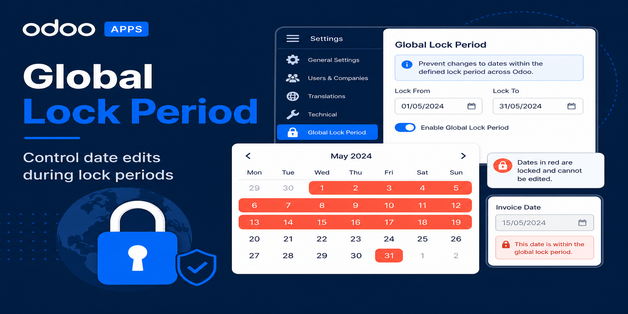
Finance, operations and audit teams often need to freeze specific date ranges after month-end close, reporting or compliance review. Global Lock Period lets administrators define lock windows, choose which models and date fields are affected, and allow only selected users to continue editing during the locked range.
Production-tested on Odoo Online, Odoo.sh, and on-premise with 60 days free support.
Define start and end dates with a clear New / Locked / Unlocked workflow.
Apply restrictions to any standard or custom model and its date fields.
Controlled exceptions and clear feedback for blocked users.
| Odoo Version | 17.0 (Community & Enterprise) |
| Depends on | Base, Mail |
| Menu | Settings > Global Lock Period |
| License | LGPL-3 |
| Support | 60 days free support |
Contact us for installation, customization, or a custom module built to your requirements.
Get a Free Consultation View on Odoo Apps Store All Modules