
Portal Contact & Address Editor
Let portal users edit existing contacts and addresses from /my/account — pre-filled forms with optional photo upload.
Let portal users edit existing contacts and addresses from /my/account — pre-filled forms with optional photo upload.
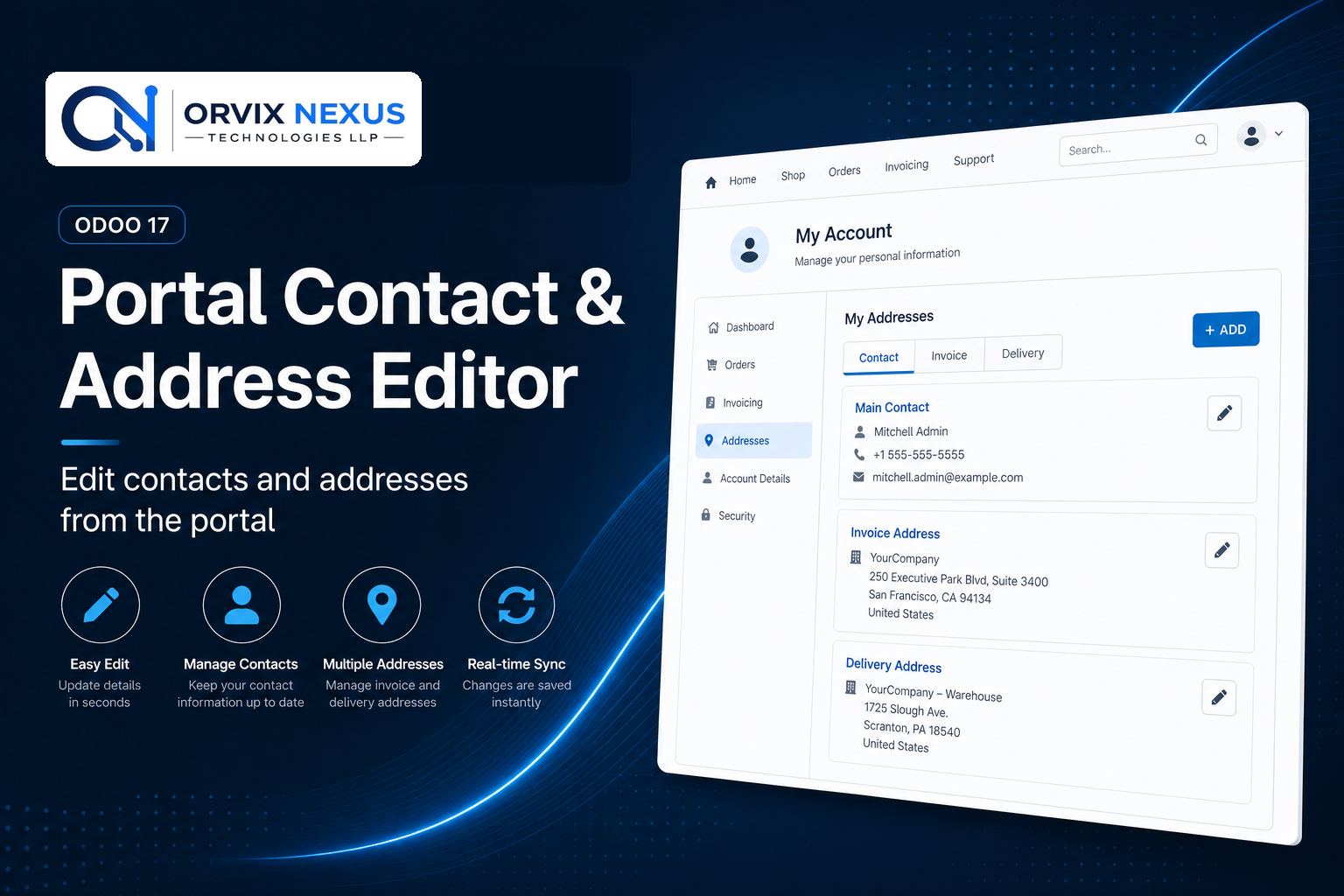
Works as an extension of Portal Contact & Address Manager. Each sub-contact card on the portal account page gets an edit icon. Portal users open a pre-filled form, change details or upload a photo, and submit — the linked partner record updates immediately in the backend.
Production-tested on Odoo Online, Odoo.sh, and on-premise with 60 days free support.
Update existing contacts and addresses without back-office help.
Keep contact cards up to date with optional avatars.
Portal users only edit their own data — changes sync to the backend immediately.
| Odoo Version | 17.0 (Community & Enterprise) |
| Depends on | Portal, Website, Portal Contact & Address Manager |
| Scope | Portal /my/account sub-contact editing |
| License | LGPL-3 |
| Support | 60 days free support |
Contact us for installation, customization, or a custom module built to your requirements.
Get a Free Consultation View on Odoo Apps Store All Modules