
POS Access Rights by Cashier
Set fine-grained POS permissions per employee. Restrictions apply instantly when the cashier switches.
Set fine-grained POS permissions per employee. Restrictions apply instantly when the cashier switches.
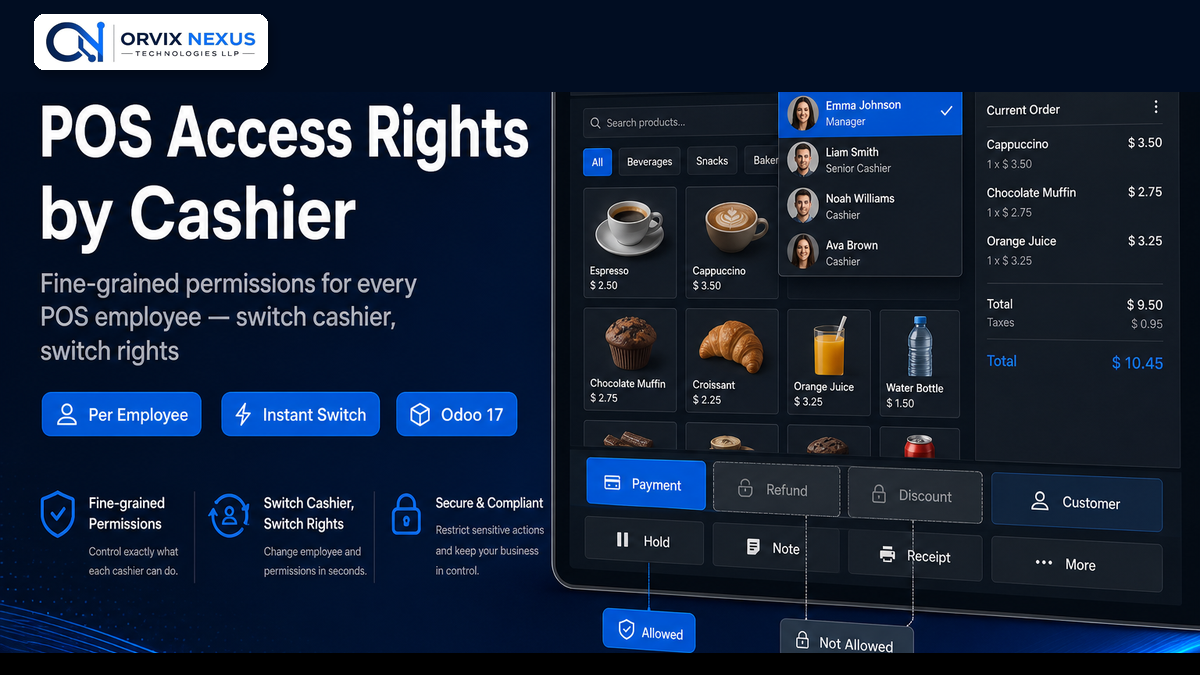
Configure access rights on the HR employee form with simple checkboxes. Disable payment, discount, refund, customer selection, cash in/out, close register, backend access and more — individually for every cashier. Rights update automatically when the active cashier changes in POS.
Production-tested on Odoo Online, Odoo.sh, and on-premise with 60 days free support.
Dedicated POS Access Rights tab on each HR employee record.
Lock down sensitive POS actions per employee.
Granular control over numpad buttons and session actions.
| Odoo Version | 17.0 (Community & Enterprise) |
| Depends on | Point of Sale, POS HR, HR |
| License | LGPL-3 |
| Support | 60 days free support |
Contact us for installation, customization, or a custom module built to your requirements.
Get a Free Consultation All Modules